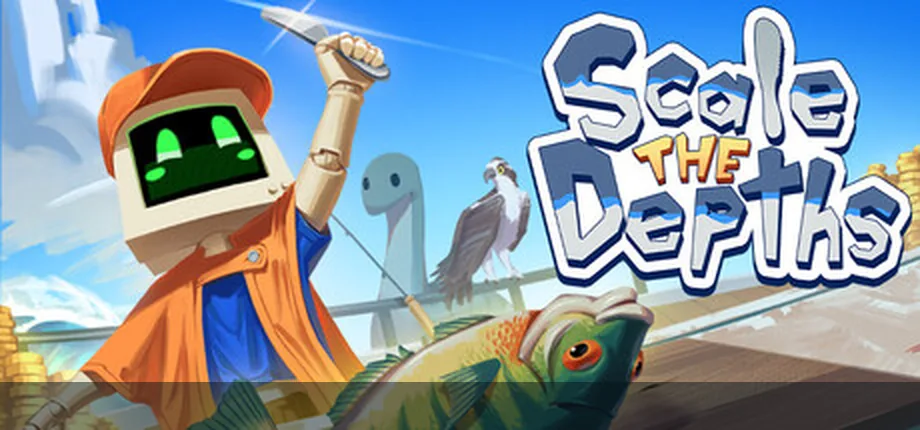
Can you play Scale the Depths unblocked?
The safest answer is to try the embedded Scale the Depths browser build on this site first, then use the official Steam or itch.io pages if the game frame is blocked. A page calling itself unblocked is not automatically safer or more complete than an official source. Many game mirror pages add extra ads, remove context, or point players toward downloads that are not connected to the developer.
Scale the Depths is a cozy fishing and upgrade game, so it is easy to play in short browser sessions when the WebGL build loads. The main limits are not gameplay difficulty; they are network filtering, iframe permissions, browser storage, keyboard focus, and whether your school, office, library, or managed device allows embedded games.
If a network blocks game domains, do not treat random proxy pages, APK mirrors, or repackaged installers as the fix. Use a personal device and personal network when possible, respect the rules of the network you are using, and keep official links nearby. This guide is about safe access and troubleshooting, not bypassing security policies.
What Scale the Depths unblocked should mean
Search results for unblocked games mix several different intents. Before clicking a result, decide which problem you are actually solving.
| Search situation | What it usually means | Best action |
|---|---|---|
| The iframe does not load | The network, browser, extension, or iframe policy may be blocking the hosted WebGL build. | Try the browser page on a personal network, disable only unnecessary extensions, or use the official Steam page for PC play. |
| Keyboard input is ignored | The game canvas may not have focus, or fullscreen/browser controls may be capturing the input. | Click inside the game frame, enter fullscreen, then use the controls guide for keyboard and controller checks. |
| A mirror promises an unblocked version | It may be a rehosted iframe, an ad-heavy game portal, or a page that is not maintained by the developer. | Prefer this site's embedded route, itch.io, or Steam. Avoid mirrors that push installers, APK files, or browser permissions. |
| You need a no-download session | You want a quick browser test rather than a managed PC installation. | Use the online page first. If you want a stable long session, the Steam version is usually the safer next step. |
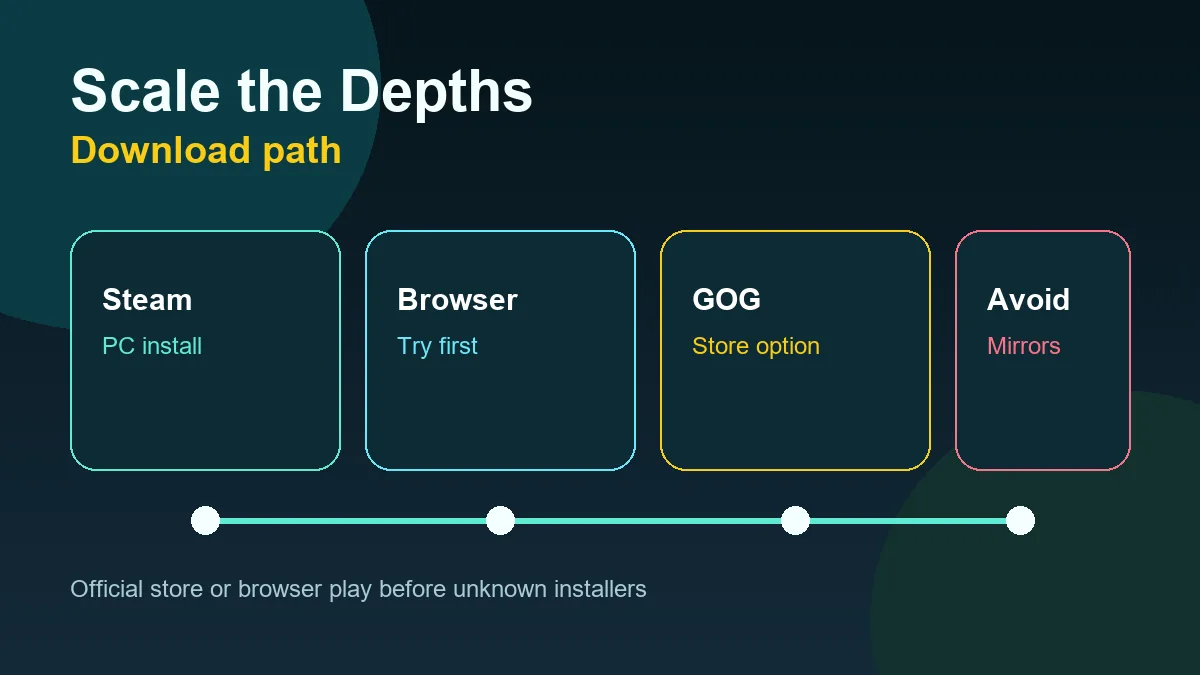
Safe checks when Scale the Depths is blocked
Run these checks in order. They separate a normal loading problem from a real network restriction without sending you to low-trust mirrors.
Confirm the page loads outside the game frame
If this page loads but the game area does not, the issue is probably the embedded WebGL source, iframe policy, or a content filter. If the whole site is blocked, the network is filtering the domain itself.
Test a personal network before changing settings
A phone hotspot or home connection can show whether the problem belongs to the managed network. Do not install random extensions or proxy tools just to load a game frame.
Check browser focus and storage
Click the game frame before pressing keys. If progress or settings disappear, browser privacy settings, third-party storage, or iframe storage rules may be involved.
Use official pages for longer play
If you plan to spend more time with Scale the Depths, the official Steam page is a cleaner route than chasing copies of an unblocked browser page across game portals.
Browser, Steam, and mirror pages compared
Unblocked search intent is usually about quick access, but the safest version depends on where and how you are playing.
| Option | Best for | Risk note |
|---|---|---|
| Embedded browser play | Trying Scale the Depths quickly without installing anything. | Depends on iframe loading, WebGL support, browser storage, and network permission. |
| Official Steam version | Longer PC sessions, managed library access, updates, and a clearer official source. | Requires Steam and a device where installation is allowed. |
| Public itch.io page | Checking the browser build and creator context when available. | Still subject to network filters and browser iframe behavior. |
| Unblocked mirror or APK | Usually not recommended unless it clearly links back to a trusted source and does not push downloads. | Can include intrusive ads, stale builds, misleading download buttons, or repackaged files. |
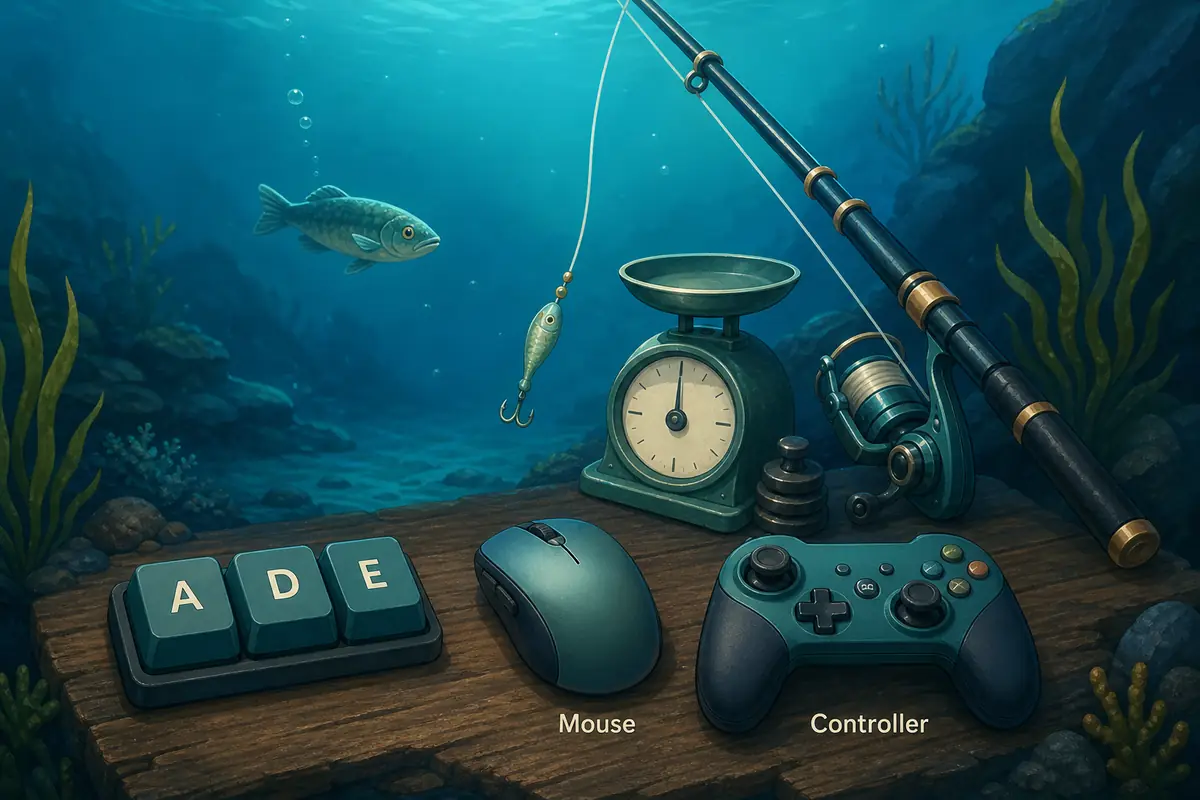
Troubleshooting without risky workarounds
These fixes stay inside normal browser and official-source behavior. They are safer than hunting for a different unblocked copy.
- Reload once and wait for the WebGL frame to finish loading before clicking other controls.
- Click inside the game frame before using keyboard input; browser pages often keep focus outside the canvas.
- Try fullscreen if the canvas is cramped, especially on smaller laptop screens.
- Temporarily disable ad blockers only for trusted pages if they block the embedded frame, then turn them back on if needed.
- Avoid pages that require notification permission, extension installs, executable downloads, or APK files before they let you play.
- Use the download guide when your intent changes from browser play to PC installation.
- Use the controls guide if the game loads but keyboard, mouse, or controller input does not behave as expected.
Official and safer sources
This independent guide does not own Scale the Depths. Use official pages for developer context, store details, and the public browser build.
Embedded browser page
Use the homepage when your intent is quick browser play with surrounding controls, tips, and official links.
Open browser pageSteam
Use Steam for the managed PC release, developer/publisher details, updates, and a safer install path.
Open Steamitch.io
Use the public itch.io page to check the browser build and creator context instead of relying on anonymous mirrors.
Open itch.ioScale the Depths unblocked FAQ
Is Scale the Depths unblocked the same as the official game?
Not always. Some unblocked pages simply embed or rehost a browser build, while official pages provide clearer source and version context. Use this site's embedded browser page, Steam, or itch.io before trusting a mirror.
Why is Scale the Depths blocked at school or work?
Managed networks often block game domains, iframe embeds, WebGL content, or third-party storage. That is a network policy issue rather than a Scale the Depths gameplay issue.
Should I use a proxy to play Scale the Depths unblocked?
This guide does not recommend bypassing school, workplace, or public network policies. If a network blocks games, use a personal device and personal network when play is allowed.
Is a Scale the Depths APK safe?
Be cautious. APK or Android claims should not be trusted unless they clearly come from an official source. For PC, Steam is the safer install path; for quick testing, use browser play.
What should I do if the game loads but controls do not work?
Click inside the iframe, try fullscreen, and check keyboard focus. If input still fails, use the controls guide for browser, keyboard, and controller troubleshooting.
Where should I go after this page?
Use the homepage to play online, the controls guide for input issues, the progression guide for upgrade order, and the download guide for Steam versus browser decisions.