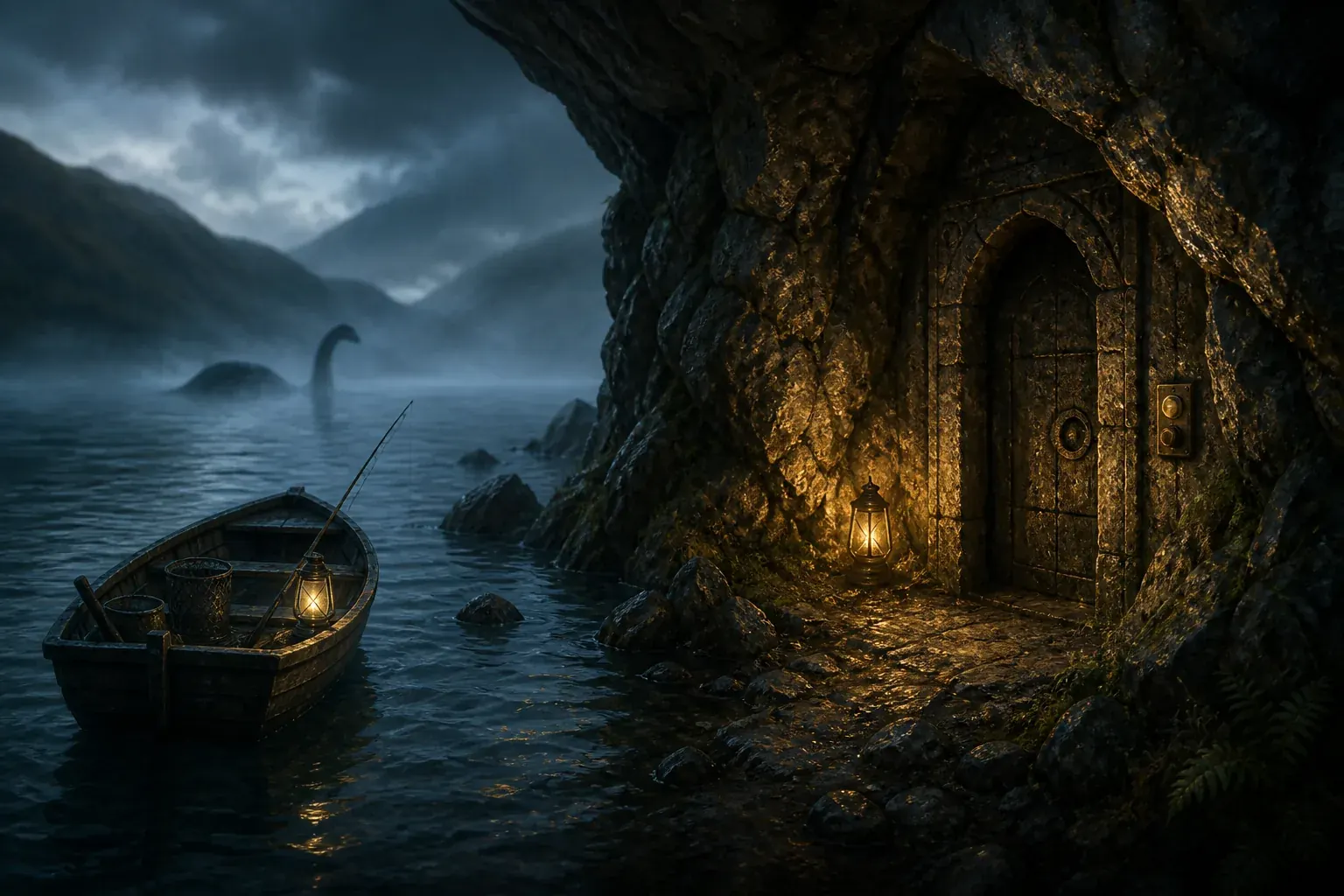
How do you go into the Loch Ness room in Scale the Depths?
Treat the room as a hidden side-route check rather than a normal fishing stop. Start from the Loch Ness shoreline, move through the less obvious rocky branch, and inspect walls or openings that do not match the main route. Community walkthroughs describe a concealed-room sequence involving a switch or door, but the exact trigger can be version-sensitive, so use the current build as the final authority.
If you are searching because one fish, artifact, or boat entry is still missing, do not repeatedly reload the central lane. Clear the normal Loch Ness route first, then make one slow second pass around side walls, dead ends, and unusual terrain. The goal is to verify the room and its nearby interactions, not to claim that every visible object belongs to one fixed reward table.
This page is a practical route checklist. It does not present the generated illustrations as official gameplay screenshots, and it keeps the Red Herring, complete fish, artifacts, and boats searches separated so one uncertain clue does not send you to the wrong page.
- Finish enough of the normal Loch Ness route to move safely and return to the area without stopping your basic fishing and selling loop.
- Search the shore-facing side path and suspicious rock boundaries before assuming the visible room is the whole area.
- Look for an interaction point, switch, or doorway; do not expect a generic wall to open just because it looks darker.
- After entering, check the chamber slowly and verify any fish, artifact, or boat entry in the in-game Almanac or collection screen.
- If the route differs in your build, record the version and use the official Steam or itch.io build information before trusting an old walkthrough.
Before entering: make the room check reproducible
A hidden-room search is easier to verify when you separate route progress from collection cleanup. Before you leave for Loch Ness, make a normal save, check that the game or iframe has keyboard focus, and note whether you are using the browser build or Steam release. Those three details explain many apparent door failures and keep an old video from becoming the only evidence.
Leave a little inventory space before the second pass. The point is not to promise that the room always contains a fixed item; it is to make any new catch, artifact, blueprint, or collection change obvious. If your inventory is full, a successful interaction can look like a dead end because the follow-up item is not visible in the usual place.
Use the controls page for the current interaction key instead of assuming every guide uses the same input. Click the game area once, pause long enough for a transition to finish, and avoid holding several keys while testing the wall. A clean input makes it possible to tell a locked state from a missed prompt or a browser focus problem.
Finally, treat the hidden-room route as a bounded experiment. Give the visible lane one complete pass, the shoreline edge one slow return pass, and the unusual wall one deliberate interaction attempt. If none of those passes produces a state change, record the build and compare the official release notes before trying a reset or repeating a rumour indefinitely.
When a prompt or door state does appear, pause and identify exactly what changed. Did the wall animate, did the camera move, did a passage become walkable, or did only a sound play? Writing down the observed state prevents a visual landmark from being reported as a guaranteed reward and makes a later comparison with another build much more useful.
If the room opens but your missing collection entry remains missing, classify the result as a route success and a collection question. Check the relevant Almanac category before searching the same room again. The fish, artifact, and boat pages are deliberately separate because their locations and completion rules should not be inferred from one hidden-room clue.
If the room never opens, compare the same approach from both directions once. A one-way collision edge, a missed shoreline branch, or a camera angle can make a reachable prompt look absent. After that controlled retry, move to version and control checks rather than turning every decorative wall into a new theory.
For a useful community report, include the platform, visible version, route order, interaction key, and the collection state before and after the attempt. A short reproducible record is more valuable than saying that the room is simply broken, especially when the browser and Steam builds do not expose identical scenes.
Stop the search when you have completed the visible lane, tested the side branch, checked the collection, and compared the current build with the official version note. That stopping rule protects your save, avoids duplicate work, and keeps this page focused on the hidden-room intent instead of becoming an unverified list of every Loch Ness rumour.
Keep a recoverable save
Make a normal backup or save before testing an uncertain interaction. A route clue is not a reason to erase progress.
Confirm the active controls
Focus the game surface and use the control prompt shown by your build; browser scrolling can steal the same key used for interaction.
Leave inventory room
A spare slot makes a newly discovered catch, artifact, or blueprint easier to distinguish from a route landmark.
Record the release path
Write down browser or Steam and the visible version before comparing your layout with a community walkthrough.
Test one state at a time
Complete one pass, interact once, and wait for the transition so a delayed scene change is not mistaken for a failed trigger.
Describe the exact state change
Separate an animation, camera move, sound, and walkable opening from a confirmed collection reward.
Separate route success from collection success
If the door opens but a fish, artifact, or boat is still missing, switch to the matching focused guide.
Compare both approach directions once
A collision edge or camera angle can hide a prompt; one controlled reverse pass is enough to test that possibility.
Record a reproducible report
Include platform, version, route order, interaction key, and collection state before and after the attempt.
Use a clear stopping rule
After the route, side branch, collection, and version checks, protect the save instead of inventing another wall theory.
What the Loch Ness room clue actually means
The phrase “Loch Ness room” is a search shortcut, not an official room name that appears consistently in every guide. Players use it for a hidden or optional space reached from the Loch Ness route, usually while looking for a secret, the last fish silhouette, a regional collectible, or the Viking Longship. That is why search results mix room, door, cave, switch, secret, and 100% walkthrough wording.
The official game description frames Scale the Depths as a fishing adventure with exploration, hidden paths, puzzles, and secret passages. That supports the broad shape of the problem, but it does not prove that every community screenshot or every old route clue is still exact. Use the official store and update pages for release context, then use a current build and a cautious community walkthrough for the hands-on route.
A useful mental model is three passes: the first pass opens normal progression, the second pass checks optional geometry, and the final pass verifies the collection entry that made you search. This prevents a room clue from turning into random wall-bumping or a duplicate fish-list article.
It is a route problem
The first question is where the side branch begins, not which fish value is highest.
It is an interaction problem
A hidden room normally requires a visible interaction point, switch, or doorway state rather than luck alone.
It is a completion problem
The room matters because it may explain a missing collection entry, not because every visit gives the same reward.
It is version-sensitive
Community labels and exact trigger details can change; treat the current game build and Almanac as the final check.
Loch Ness room route: checkpoints to inspect
Use this table as a slow sweep order. It is deliberately written as a verification route rather than an invented pixel-perfect map, because community sources do not always agree on the exact trigger or room label.
| Checkpoint | What to look for | Why it matters |
|---|---|---|
| 1. Complete the visible lane | Finish the ordinary fishing, selling, and depth steps that lead you into Loch Ness. | You need enough access to recognise an optional branch and avoid mistaking a locked progression gate for the secret room. |
| 2. Re-enter from the shore | Return to the shoreline and check the edges, corners, and rocky dead ends instead of tracing the centre line. | Hidden routes are easiest to miss when the direct fishing path has already become familiar. |
| 3. Inspect the unusual wall | Look for a wall, cave mouth, panel, or stone boundary that differs from nearby terrain and has an interaction prompt. | The room clue is usually tied to an interaction surface, not to a random decorative rock. |
| 4. Test the switch or door | Use the normal interaction control once, wait for the state change, and avoid spamming inputs while the scene loads. | A delayed transition can look like a failed trigger when the browser or iframe is still processing the action. |
| 5. Verify the collection | Inside or around the room, check the Almanac, artifact slots, boat list, and any fish silhouette that changed. | A completion check tells you whether the route solved your actual problem or only revealed scenery. |
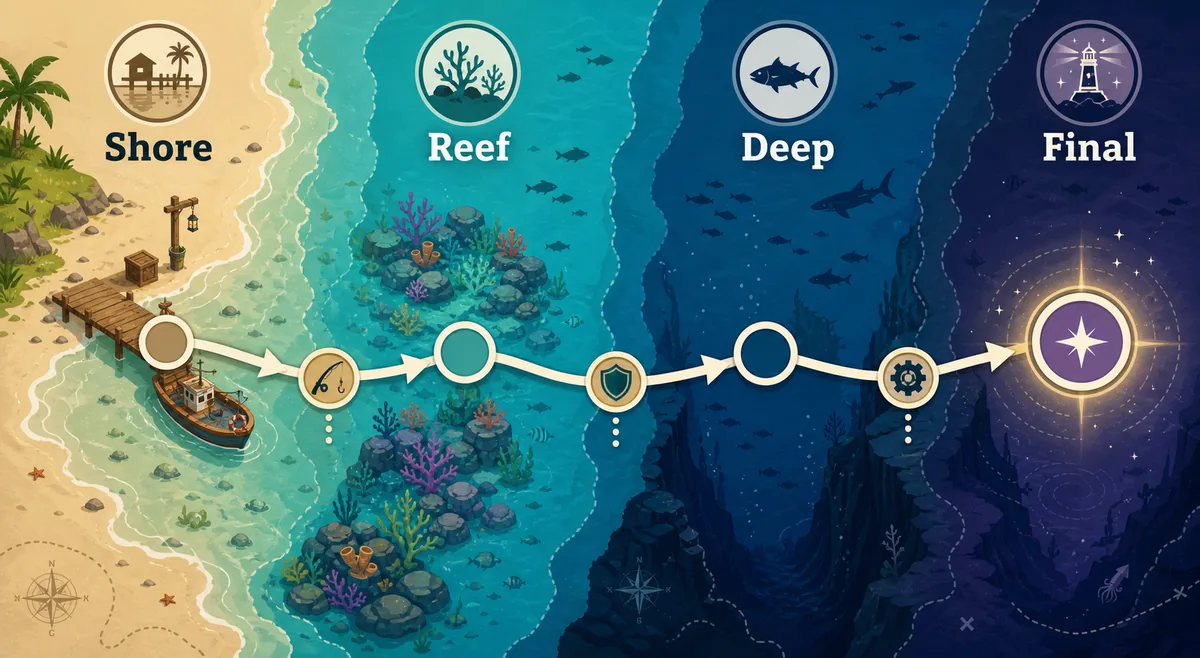
Step-by-step hidden-room check
The order below keeps the search reproducible. If a step is impossible, note what the game actually shows and move to troubleshooting instead of inventing a secret requirement.
Make a clean approach
Enter Loch Ness with enough inventory space and a normal save state. Sell or store obvious low-value catches first so a newly discovered item is easy to recognise.
Follow the known route once
Take the visible route until you understand where the shore, water, and optional branch meet. This gives you a reference point for the second pass.
Sweep the outside edge
Move along rock edges, side beaches, and dead ends. Pay attention to a wall that has a different shape, lighting, or collision behaviour from the surrounding scenery.
Interact once and wait
Use the same interaction control the build requests. Wait for the door, panel, or room transition before trying a second input; repeated presses can hide whether the trigger worked.
Confirm the reason you came
Open the relevant collection view and write down the changed entry. If nothing changed, leave the room and repeat the route once after checking the current version and control focus.
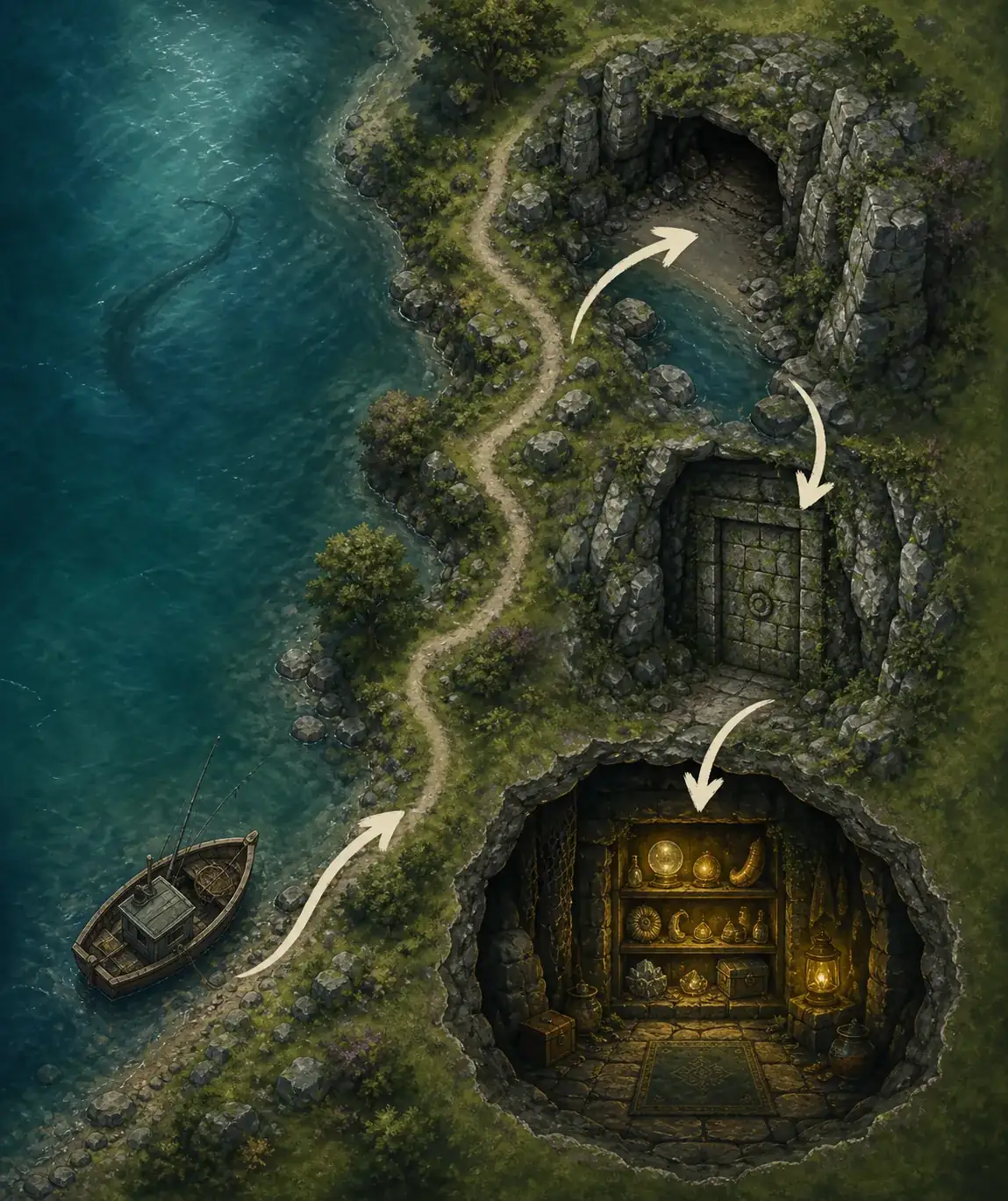
Loch Ness 100% completion checklist
Use the room check as one part of a region sweep. A complete-looking route is not enough if the Almanac, artifact slots, or regional boat list still shows a gap.
- Normal Loch Ness fish route completed or clearly understood.
- Shoreline and side-wall pass completed in both directions.
- Any visible switch, interaction panel, or unusual doorway tested once with the correct control.
- The hidden-room state or transition was allowed to finish before leaving.
- Loch Ness fish entries checked against the All Fish guide and the current in-game Almanac.
- Loch Ness artifact entries checked against the regional artifact checklist.
- Viking Longship or another regional boat entry checked against the All Boats guide.
- Version and browser/Steam build recorded if the room behaves differently from a community walkthrough.
Community walkthrough: Loch Ness secrets
A video can be useful here because a hidden-door route is easier to recognise in motion than in a paragraph. This is a third-party community walkthrough, not an official developer video; use it as visual evidence and compare it with your current build.
Community video embed for route context; the video may reflect a different version or control layout. Open the video source
If the Loch Ness door or room does not appear
Most failed searches are caused by a mismatched route, a missed interaction state, a version difference, or browser focus. Work through the least destructive checks first and do not reset a save just to test a rumour.
| Symptom | Likely cause | Next step |
|---|---|---|
| The wall looks different but has no prompt | You may be at a decorative boundary, the interaction is not unlocked, or the iframe has lost focus. | Click inside the game, follow the current control prompt, then try the same approach after the normal Loch Ness route is active. |
| The door opens but no collection entry changes | The room may be a route landmark, or the missing item belongs to the fish, artifact, or boat list instead. | Check the Almanac and use the matching focused guide rather than repeating the door animation. |
| The walkthrough and your room layout differ | The video may use another release, browser build, or camera state. | Check the official Steam update page and current itch.io build, then record the version before trusting the older route. |
| Controls do nothing near the door | The page or iframe is focused on scrolling instead of the game input. | Use the Controls guide, click the canvas, and test the normal interaction key away from the page scroll area. |
| You are considering a save reset | A route uncertainty is being treated as a save corruption problem. | Back up first and use the Reset Save guide only when a verified save issue remains after route and version checks. |
Keep Loch Ness room intent separate from nearby pages
This page owns the hidden-room, secret-door, side-route, and Loch Ness completion questions. It does not replace the all-fish table, the 19-artifact checklist, the six-boat collection guide, or the focused Red Herring page.
That separation is intentional: a player searching for “what is the 8th Loch Ness fish?” needs a fish index or a focused FAQ, while a player searching for “how to go in the Loch Ness room” needs route and interaction checks first. Use the links below to move to the evidence that matches the unresolved part of the question.
All Fish List
Use the 67-entry index for Loch Ness fish names, locations, sizes, and listed values.
Open the fish listAll Artifacts Guide
Check the three Loch Ness artifact entries and missing-slot route advice.
Open the artifact checklistAll Boats Guide
Use the regional boat page when the missing entry is the Viking Longship or another blueprint.
Open the boat guideRed Herring Guide
Keep Red Herring spawn clues and route testing on the focused rare-fish page.
Open the Red Herring guideSources and version note
Version check completed August 7, 2026. The latest verifiable official release found in the checked Steam announcements remains v1.0.4, published June 25, 2026; no newer official release was found on the checked Steam and developer itch.io pages. The exact room trigger remains community-documented and should be confirmed in the build you are playing.
Scale the Depths on Steam
Official store description and product context, including exploration, hidden paths, puzzles, and secret passages.
Open official Steam pageSteam v1.0.4 announcement
Release note used for the August 7, 2026 freshness check; it is the latest verified version used in this guide.
Open update announcementDeveloper itch.io page
First-party browser-build source used to separate the hosted WebGL version from the expanded Steam release.
Open developer pageSteam guides and walkthrough video
Community route material used for the hidden-room wording; it may be version-sensitive and is not presented as official documentation.
Open community guide indexScale the Depths Loch Ness room FAQ
What is the Loch Ness room in Scale the Depths?
It is a community label for a hidden or optional Loch Ness space reached through a side route, door, cave, or interaction point. The exact in-game name and trigger can vary by guide or version, so verify the current build and collection state.
How do I get into the hidden Loch Ness room?
Complete the visible Loch Ness route, return to the shoreline, sweep rocky side paths and unusual walls, then test the interaction point once and wait for the transition. If there is no prompt, check iframe focus and version before repeating the route.
Is the Loch Ness room the same as the Red Herring location?
Not necessarily. Red Herring is a separate rare-fish search intent with its own route clues. The room may help with regional completion, but do not assume that entering it proves a Red Herring spawn.
What is the eighth Loch Ness fish?
The eighth-fish query is a collection question rather than a reliable room name. Check the current in-game Almanac and the All Fish guide, because community lists and silhouettes can change as the game is updated.
Can I enter the room in the browser version?
The browser build and the Steam release can differ in content, controls, or save behaviour. Check the official itch.io build you are using and do not assume a Steam walkthrough maps one-to-one to the embedded browser version.
Should I reset my save if the room is missing?
No. First check the route, focus, version, and collection state. Only use the Reset Save guide after you have a reproducible save problem and a backup plan.