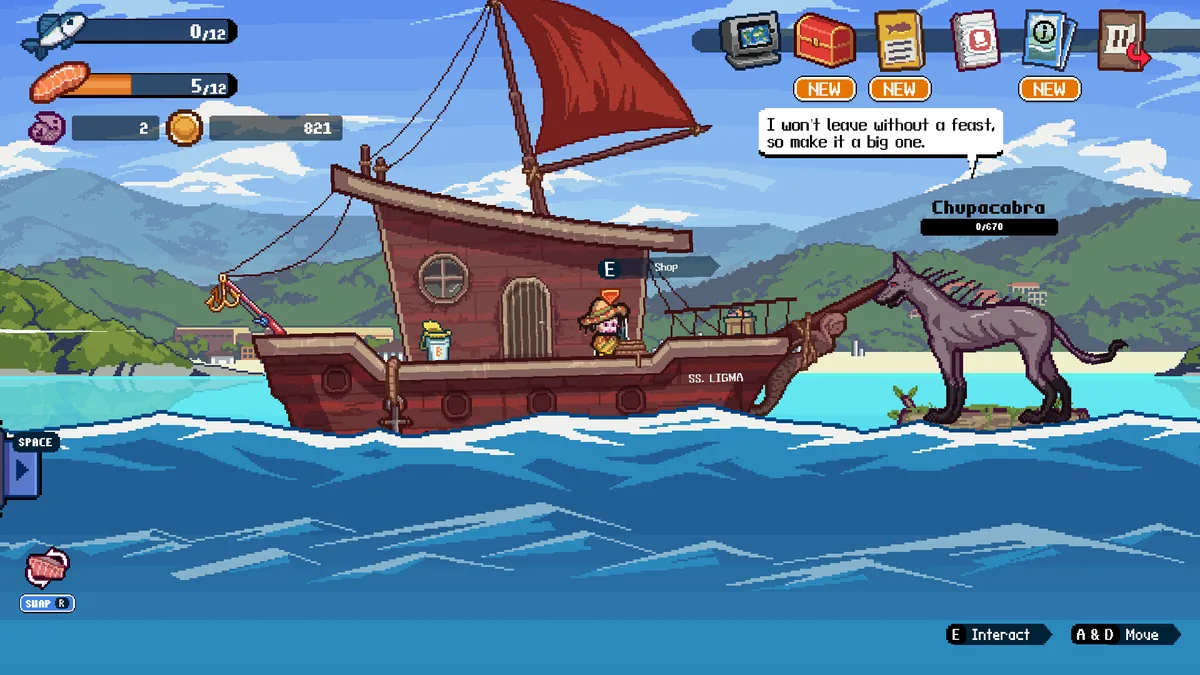
How many boats are in Scale the Depths?
The current cosmetic checklist contains six boat names: Old Rusty Boat, Cleaned Rusty Boat, Viking Longship, Diving Boat, Pirate Ship, and Space Ship. The first two belong to the opening vessel's progression, while the four distinctive boats are tied to exploration and blueprint-style unlocks across the world route.
For a clean collection run, do not leave a region as soon as its main fish or artifact checklist is complete. Search side passages, suspicious walls, and off-route pockets, then return to the customization menu and confirm that the new boat appearance is selectable. A pickup seen on the map is not enough if the save did not register it.
This page was checked on July 30, 2026 against the official Steam listing and first-party update posts. The latest first-party version announcement we could verify remains v1.0.4 from June 25, 2026. Boat names and locations below are treated as collection guidance, not as claims that a boat changes speed, storage, or fishing power.
Scale the Depths all boats checklist
Use the exact names below when comparing your customization menu with a guide or achievement list. The verification column tells you what evidence matters before moving on.
| Boat | Region or stage | How it enters the collection | What to verify |
|---|---|---|---|
| Old Rusty Boat | Opening stage | Starting vessel appearance | It should be available from the beginning of a normal save. |
| Cleaned Rusty Boat | Early progression | Opening boat progression or cleanup state | Confirm the cleaned variant appears as its own selectable look. |
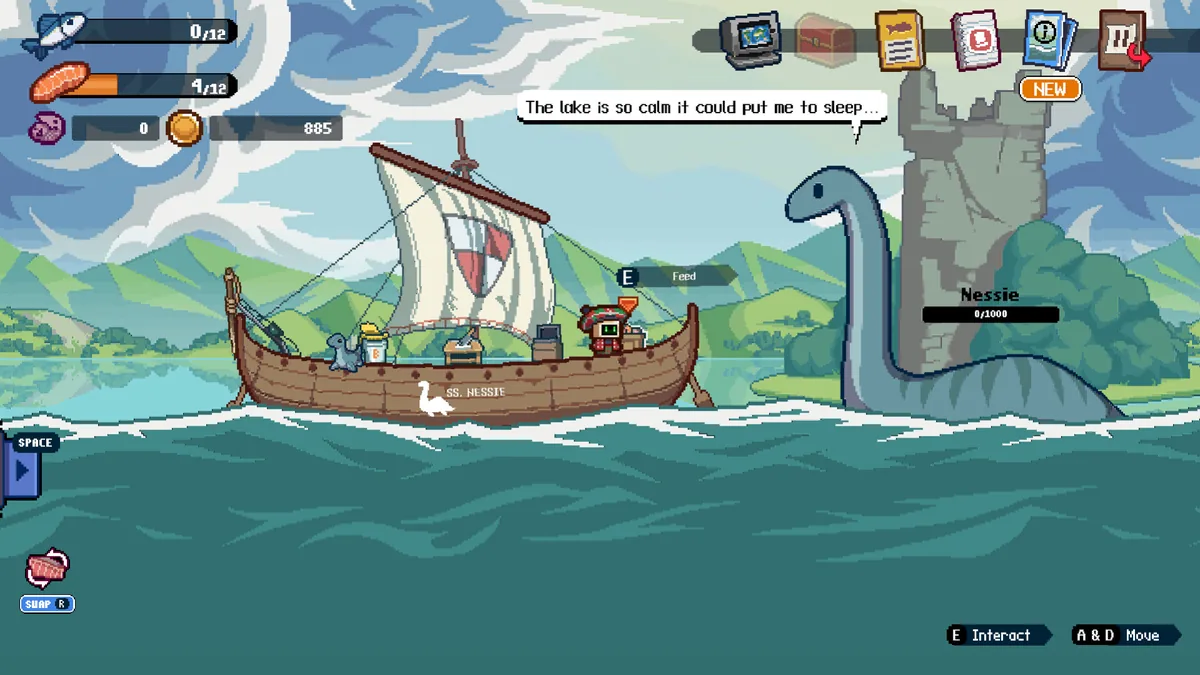
| Viking Longship | Loch Ness | Hidden regional boat unlock | Sweep concealed passages before treating Loch Ness as complete. |
| Diving Boat | Huatulco | Regional blueprint or boat pickup | Revisit the Mexico route and inspect optional branches, not only the main depth path. |
| Pirate Ship | Outer Banks | Regional hidden boat unlock | Check breakable or misleading walls and the late-area side route. |
| Space Ship | Point Nemo | Late-game regional boat unlock | Confirm the final region registered the pickup before finishing cleanup. |
The safest boat-collection route
The efficient method is a regional completion sweep. Finish the area's access requirements, search for the boat, confirm it in the menu, and only then continue deeper.
Loch Ness: search beyond the obvious lane
The Viking Longship is the first strong warning that boats can sit away from the direct fishing route. Recheck caves and concealed openings after you have enough access to explore safely.
Huatulco: separate the blueprint from normal loot
The Diving Boat is associated with the Mexico area. Inspect side branches and verify the boat menu after the pickup so it is not confused with an artifact, decal, or ordinary resource.
Outer Banks: test suspicious walls
Community troubleshooting repeatedly points players toward a hidden-wall check for the late regional boat. Search the full branch rather than stopping when the visible room looks empty.
Point Nemo: verify before final cleanup
The Space Ship belongs to late-game collection. Confirm it is selectable before assuming the ending sequence or all-fish progress completed the boat checklist automatically.
Boat Collector achievement checklist
Boat Collector is best treated as a six-entry menu audit. Write down the six names, compare them with the selectable appearances, and identify the missing region from the table above. This is faster than replaying the entire map without a target.
If all six appear but the achievement has not unlocked, equip a different boat, return to gameplay, trigger a normal save transition, and reopen the collection screen. Then restart the game once before repeating pickups. Achievement delivery can lag behind the local collection state, especially when a platform client was offline.
Do not delete a save as the first fix. A regional revisit and platform synchronization check are much lower risk. If you are considering a reset, use the site's reset-save guide and back up the relevant local or cloud data first.
What to do when the final boat is missing
Count names, not memories
Compare the menu against all six exact boat names. Players often remember finding a blueprint but overlook whether the Cleaned Rusty Boat or a late regional appearance is actually listed.
Map the missing name to one region
Viking Longship points to Loch Ness, Diving Boat to Huatulco, Pirate Ship to the Outer Banks, and Space Ship to Point Nemo. Revisit only the relevant region first.
Search optional geometry
Check concealed openings, suspicious walls, and side rooms after the main objective. The last boat is commonly missed because the visible route looks complete.
Force a normal save confirmation
Equip the boat, return to gameplay, change rooms or complete a safe action, then reopen the menu. Avoid immediately closing the game after the pickup.
Verify platform sync before resetting
Restart Steam or the platform client, confirm online status, and let achievements synchronize. Reset only after backing up the save and exhausting regional checks.
Scale the Depths boats FAQ
How many boats are there in Scale the Depths?
The current guide checklist contains six names: Old Rusty Boat, Cleaned Rusty Boat, Viking Longship, Diving Boat, Pirate Ship, and Space Ship.
Where is the Viking Longship?
Treat it as the Loch Ness hidden boat. Search concealed passages and optional spaces rather than only following the main fishing route.
Where is the Diving Boat blueprint?
The Diving Boat is associated with Huatulco, the Mexico region. Check side branches and confirm the appearance in the boat menu after collecting it.
Which boat is easy to miss in the Outer Banks?
The Pirate Ship is the Outer Banks entry in this route. Hidden-wall and side-room checks are more useful than repeating the central lane.
Does a different boat improve speed or storage?
The boats are presented in the cosmetics and collection system. Do not assume a statistical bonus unless the current in-game interface explicitly shows one.
Why did Boat Collector not unlock?
Verify all six selectable names, equip a newly collected boat, trigger a normal save transition, reconnect the platform client, and restart once before considering a save reset.
Verification notes and sources
Official Steam material is used for the game, version, and screenshots. Neoseeker and community route discussions are used as secondary collection evidence; they are not presented as developer documentation.