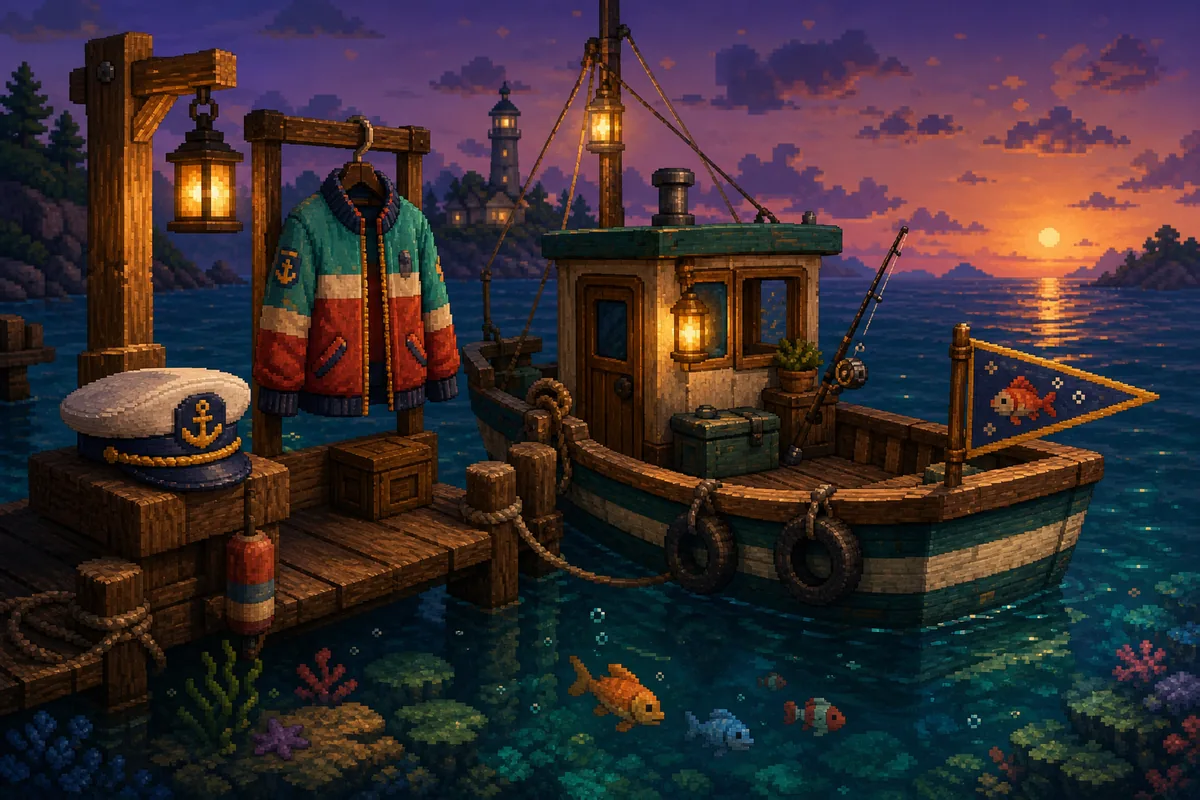
What counts as a Scale the Depths cosmetic?
Cosmetics are the visual collection layer: character hats and bodies, palette variants, boat appearances and decorative items. They should not be counted as fish, artifacts, coins or movement upgrades. If your goal is 100% completion, keep a separate cosmetic note beside the fish and artifact lists.
The official v1.0.4 announcement confirms a Character Cosmetic Palette feature and explains that cosmetics already obtained in another world are marked SOLD. Earlier first-party update notes also mention additional cosmetics in Huatulco. These notes confirm the system, but they do not publish a complete item-by-item location table.
For that reason, this page uses a confidence-aware checklist. Names and boat appearances are useful search anchors, while the current customization notebook, the SOLD marker and a normal save transition are the final authority. Treat a community location as a lead, not as a guaranteed developer route.
Scale the Depths all cosmetics checklist
The table combines official system facts with publicly reported cosmetic names and the six boat appearances already tracked by the collection guides. A row is complete only when the current build shows the item as selectable or SOLD.
| Type | Cosmetic or search anchor | Where to check | What to verify |
|---|---|---|---|
| Character | Flora Cap | Community-reported cosmetic list | Use the name to search the notebook, then record the actual region shown in your build. |
| Character | Chicken Hat | Region-specific cosmetic search | Confirm the headwear slot; do not count a screenshot or a rumor as an unlock. |
| Character | Chicken Suit | Region-specific cosmetic search | Confirm the body slot and whether the item is selectable after saving. |
| Character | Aztec Hat and Aztec Head | Huatulco-related community coverage | Check both headwear and head/body categories instead of treating similar names as one item. |
| Character | Mexican Flower Dress | Huatulco-related community coverage | Verify the body or outfit slot in the current version before counting it. |
| Character | Pirate Captain and Pirate Captain Hat | Outer Banks-related community coverage | Record the category separately; a hat and a body are two different checks. |
| Boat | Old Rusty Boat and Cleaned Rusty Boat | Opening and early progression | Compare the selectable appearances, not only the boat visible during the first run. |
| Boat | Viking Longship | Loch Ness | Use the boats guide for the regional sweep, then equip it once to confirm the save. |
| Boat | Diving Boat | Huatulco | Recheck optional branches and confirm the boat menu after the pickup. |
| Boat | Pirate Ship | Outer Banks | Search suspicious walls and side rooms before assuming the region is complete. |
| Boat | Space Ship | Point Nemo | Confirm the late-game appearance before deleting or resetting a save. |
| System | Character Cosmetic Palettes | v1.0.4 system feature | Treat a color variant as a palette choice unless the notebook creates a separate unlock slot. |
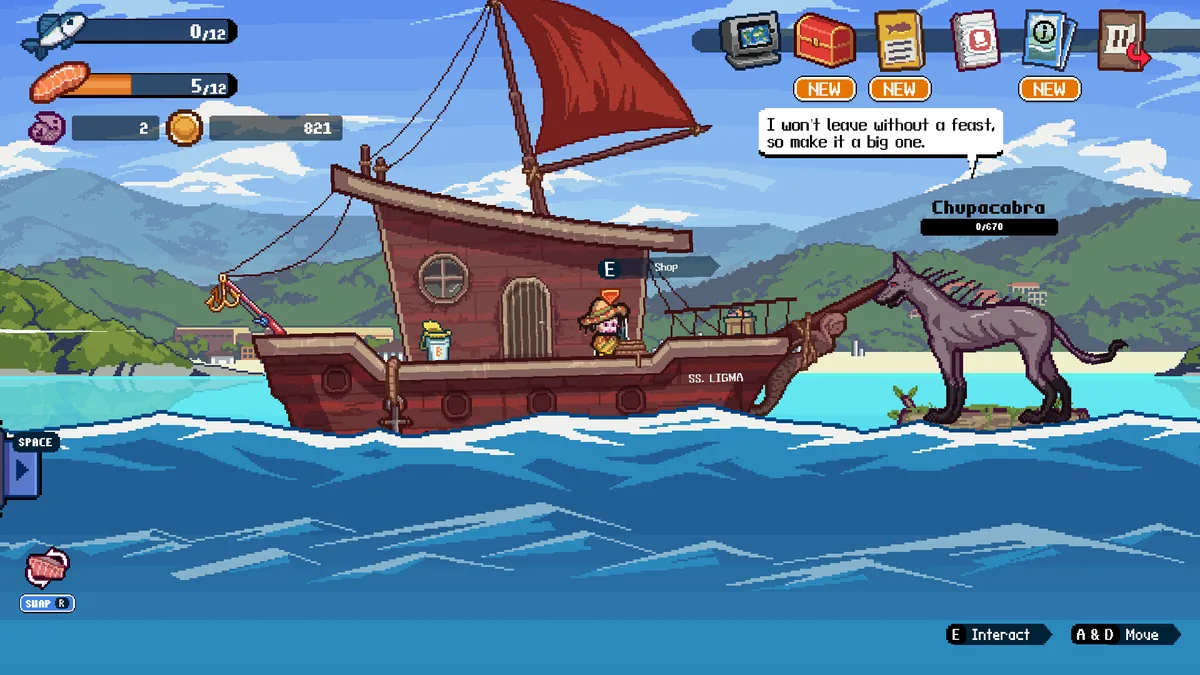
A safer region-by-region cosmetics route
Cosmetics are easiest to track when you finish one region, confirm the menu, and only then move deeper. This avoids mixing a character outfit with a boat, decal, artifact or ordinary progression reward.
Start with a version check
Open the official v1.0.4 notes and compare your platform build before following an older cosmetic list. A later update can add an item or change how an already-owned cosmetic is displayed.
Separate the four collection surfaces
Keep character headwear, character bodies, boat appearances and palette choices in separate notes. This makes it obvious whether a missing slot is a location problem or only a category mismatch.
Sweep optional geometry after the main route
When a region looks finished, revisit side rooms, unusual walls and short branches. Community guides are most useful here as leads; write down what the current game actually shows.
Equip and save before leaving
After an item appears, equip it once, return to normal gameplay, trigger a safe save transition and reopen the notebook. Do not rely on the pickup animation alone.
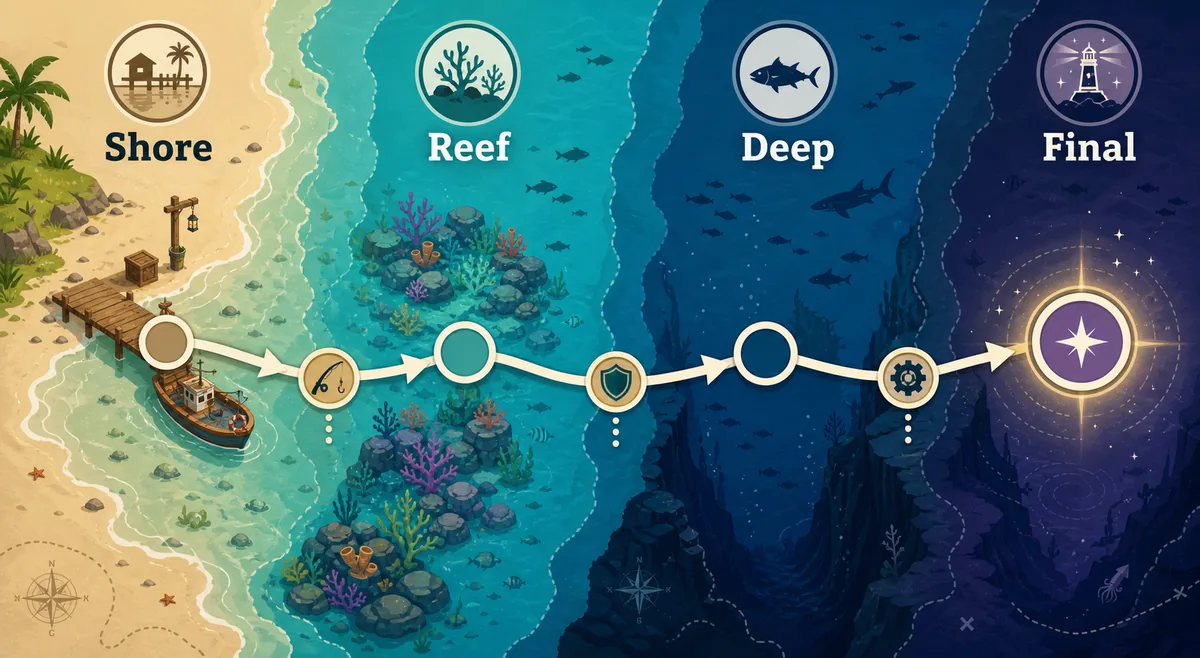
Palettes, boat looks and the SOLD marker
The v1.0.4 Character Cosmetic Palette feature is easy to misread. A palette can change the presentation of an owned cosmetic without creating a new location pickup. Record the base item first, then note any available color choices underneath it.
The same update explains that cosmetics obtained in another world are marked SOLD. That status is useful for a cross-world checklist: if a shop or collection surface shows SOLD, do not buy or search for the same item again unless your current save fails to display it as selectable.
Boat appearances belong in the same visual-completion notebook but should remain separate from character cosmetics. The boat guide already tracks six appearances; this page links that list so the all-cosmetics page can explain the boundary instead of duplicating every route detail.
- Count a base cosmetic once; record palette variants as sub-notes unless the game creates separate slots.
- Use SOLD as a status signal, not as proof that every cosmetic in the game has been found.
- Do not infer speed, storage or fishing bonuses from a visual boat change without an in-game stat panel.
- Keep character items and boat items separate when comparing a guide with the collection notebook.
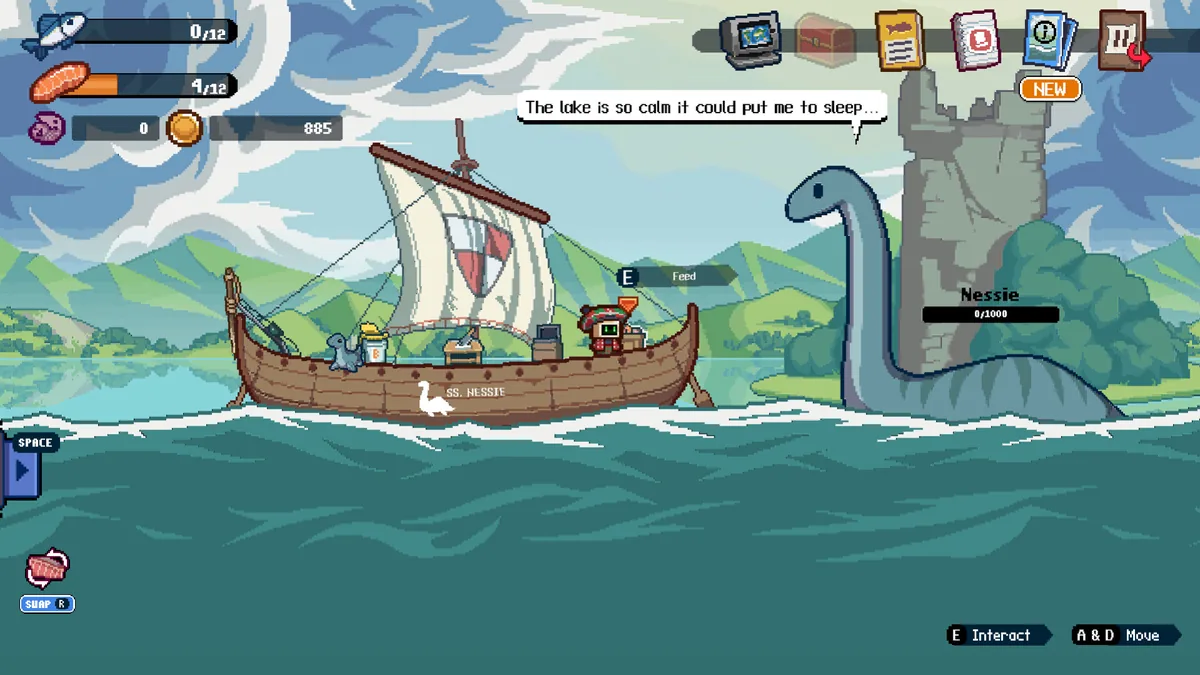
How to verify a missing cosmetic without wasting a save
When a cosmetic is missing, resist the urge to reset progress or download a community patch immediately. First identify the category, the likely region, the version you are running and the evidence level behind the location claim. This is especially important for names such as Flora Cap, Chicken Hat or Pirate Captain, which are useful search terms but are not all documented in first-party patch notes.
A strong verification record has four pieces: the exact name, the collection category, the region or shop surface, and a screenshot or menu confirmation from the current build. If a community page disagrees with the notebook, preserve the notebook result and label the older route as version-sensitive.
Capture the empty slot
Take a local note or screenshot of the category and the empty slot before searching. This prevents a vague memory of a different hat, body or boat from sending you to the wrong region.
Match the name exactly
Check spelling and category. A headwear item, a body item, a palette and a boat appearance should never be merged just because a guide uses the word cosmetic.
Revisit one region at a time
Use the map, artifact and boat pages as route support, but keep the cosmetic row as the completion target. Finish the sweep before moving to a second region.
Confirm SOLD or selectable status
The item should be selectable, equipped or clearly marked SOLD in the current interface. A web list without a local confirmation remains a lead.
Back up before destructive fixes
Only consider a reset after normal save, platform sync and a regional revisit have failed. Use the reset-save guide and keep a backup first.
Scale the Depths cosmetics FAQ
How many cosmetics are in Scale the Depths?
There is no complete item-by-item total in the official v1.0.4 announcement. Use the current notebook as the authoritative count, and keep character items, palettes, boat appearances and decals in separate rows.
Is Flora Cap an official item name?
Flora Cap appears in public community cosmetic coverage and is a useful search anchor. Verify its exact category and location in your current build before treating it as a confirmed route.
Are the six boats part of the all-cosmetics checklist?
Yes. They are visual collection entries, but they deserve a separate boat sub-list. Use the dedicated all-boats guide for regional blueprint details.
What did the v1.0.4 cosmetic update change?
The first-party v1.0.4 announcement describes Character Cosmetic Palettes and a SOLD marker for cosmetics already obtained in another world. It does not replace the in-game notebook as the final record.
Why does a guide list a cosmetic that I cannot find?
The guide may describe another version, another category or a community-reported location. Compare the platform build, check the exact slot and repeat one regional sweep before considering a save problem.
Do cosmetics improve fishing stats?
Treat them as visual collection items unless the current game interface explicitly displays a stat effect. A different boat look is not proof of extra storage, speed or fishing power.
Verification notes and sources
The official Steam page and first-party v1.0.4 announcement support the cosmetic system and version notes. Neoseeker and Steam Community pages are secondary collection evidence; they are not presented as developer documentation. Checked August 16, 2026.